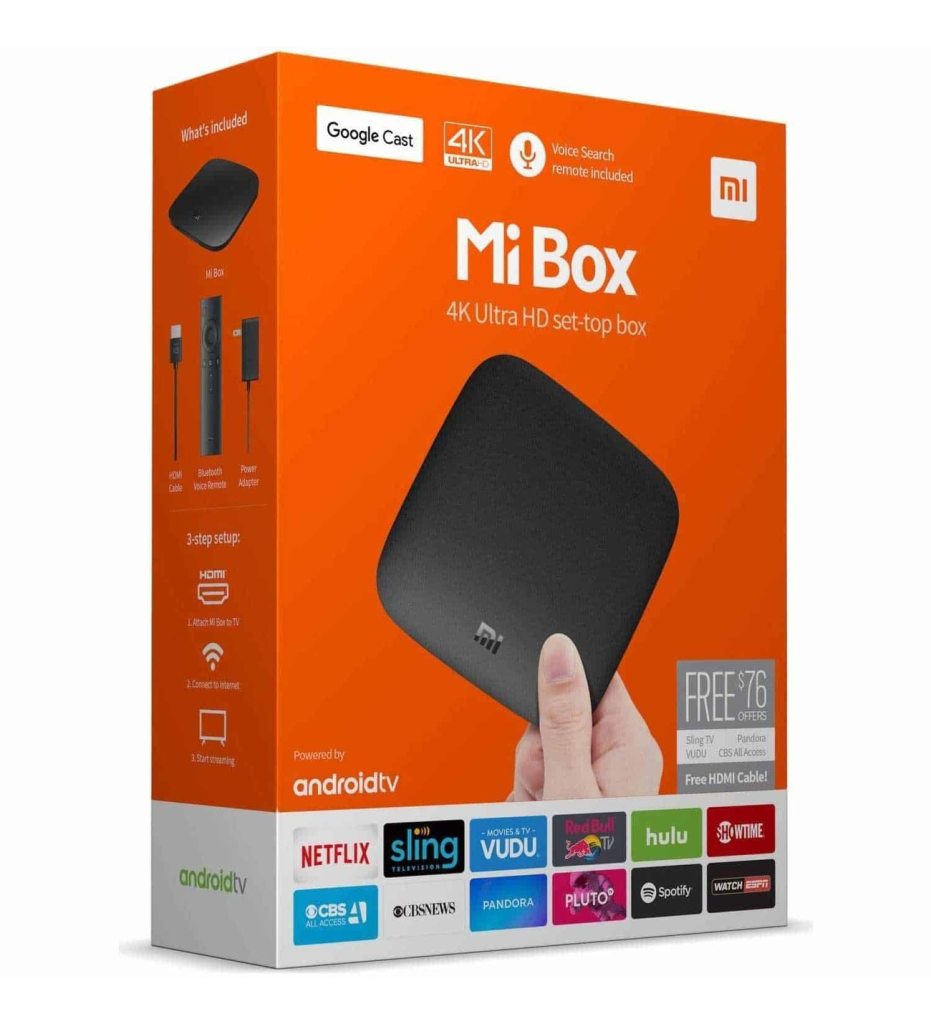
Xiaomi Mi Box Review & Downloader Info
Is your Xiaomi Mi Box buffering or freezing in the menus? Discover the ultimate developer hacks to eliminate UI lag, clear RAM bottlenecks, and sideload apps natively on your device.
If you are looking for the absolute best xiaomi mi box downloader installation tutorial on the internet, you are in the right place. Understanding how the Android TV system works is crucial for sideloading external APKs. Be sure to follow all the steps carefully to avoid any system errors. Our guide is updated for all Android TV versions. You can also view our Media Players page for software recommendations.
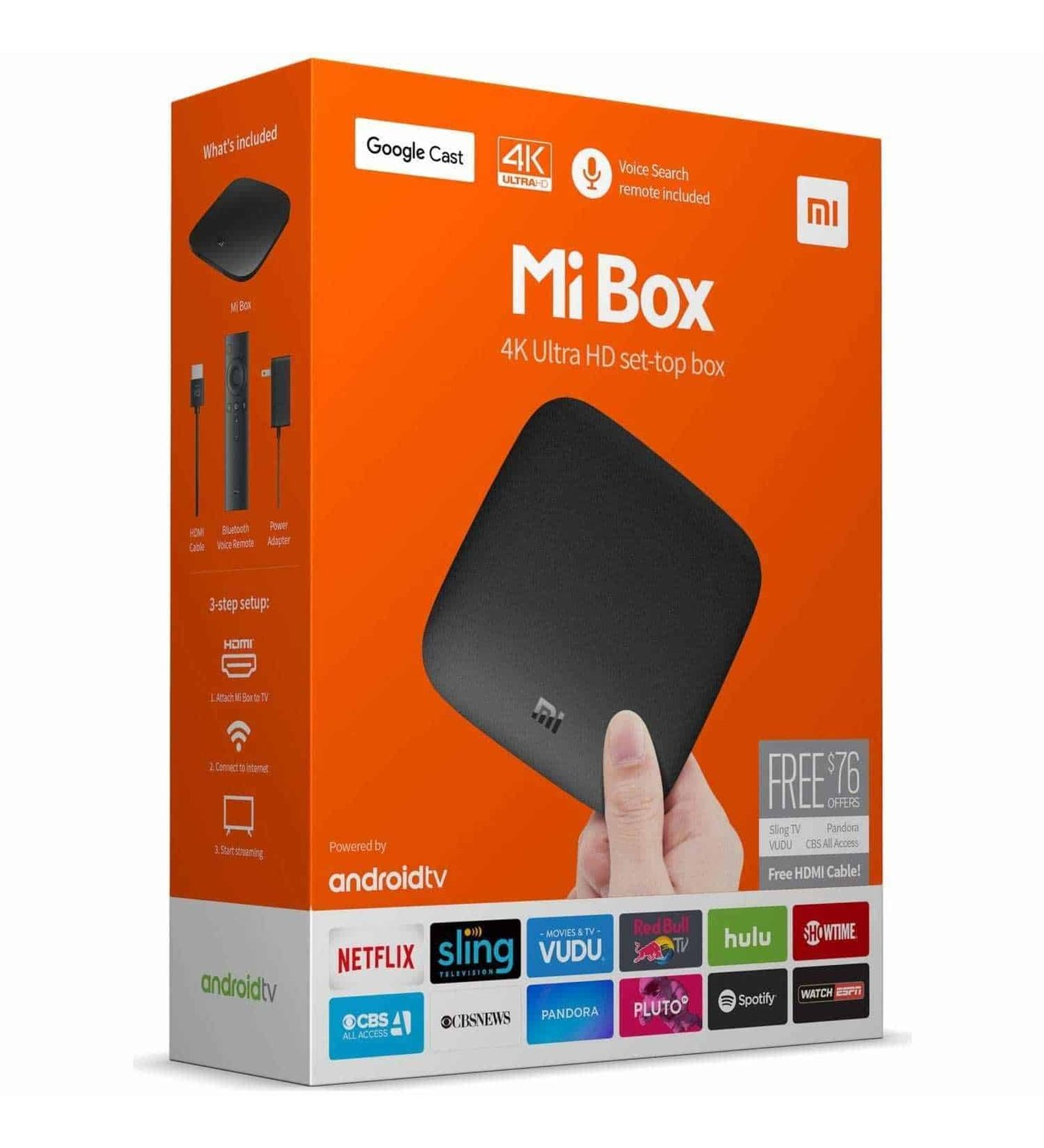
Hardware Specifications
Pure Android TV
Features the official Google-certified operating system. A clean, uncluttered interface that gives you full access to the Google Play ecosystem.
Hackable UI
Access deep developer options to disable heavy window animations and limit background processes, making the device feel twice as fast.
8GB Internal Storage
Requires strict storage management. By clearing cache regularly, you can comfortably sideload essential media players without warnings.
Native Cast Support
Built-in Chromecast capabilities allow you to instantly cast videos, photos, and music from your phone directly to your television screen.
Why the Xiaomi Mi Box Requires Optimization
The Xiaomi Mi Box is a highly popular, budget-friendly Android TV device. However, as it ages or receives newer OS updates, the standard 8GB of storage and default animation settings can cause the interface to feel sluggish or unresponsive. The good news is that because it runs on an open Android architecture, you can fix these issues completely.
Sideloading and Speed Hacks
Many users abandon their Xiaomi devices because of menu lag, not realizing that a few simple tweaks can restore its original speed. When you combine these hacks with the Downloader app, the device transforms back into a highly capable streaming machine.
Here are the core reasons power users still rely on the Xiaomi Mi Box in 2026:
- The “Zero Animation” Trick: By unlocking Developer Options (clicking “Build” 7 times), you can turn off Window and Transition animation scales. This removes the graphical delay when opening apps.
- RAM Preservation: Setting a strict “Background process limit” ensures that idle apps don’t consume the device’s memory, giving your active media player 100% of the processing power.
- Easy Sideloading: Once Unknown Sources are enabled, installing third-party streaming APKs is incredibly straightforward, bypassing the limitations of the standard Google Play Store.
If you perform regular cache cleanups and apply these developer speed hacks, the Xiaomi Mi Box will continue to deliver a buffer-free, high-quality streaming experience.
Upgrade Your Setup with Firestick AI
Stop searching forums for the best apps. Our smart AI assistant knows exactly which lightweight media players, cache-clearing tools, and VPNs work best on the Xiaomi Mi Box. Get instant recommendations and safe shortcodes in seconds.
Chat with Firestick AI →
Ready to Setup Your Mi Box?
Do you already own the Xiaomi Mi Box? We’ve prepared a comprehensive, step-by-step visual guide and a YouTube video tutorial showing you exactly how to install the Downloader app and apply these speed hacks.
▶ Watch Video & Install Downloader