Fire TV Stick Lite Downloader Setup:
Complete Guide (2026)
Welcome to the ultimate installation guide. If you want to unlock the full potential of your device, this Fire TV Stick Lite Downloader Setup tutorial is all you need. We cover every aspect of the sideloading process. Learn how to navigate FireOS, easily unlock hidden developer options, enable unknown sources, and securely install third-party apps directly to your television.
Fire TV Stick Lite Downloader Setup Steps
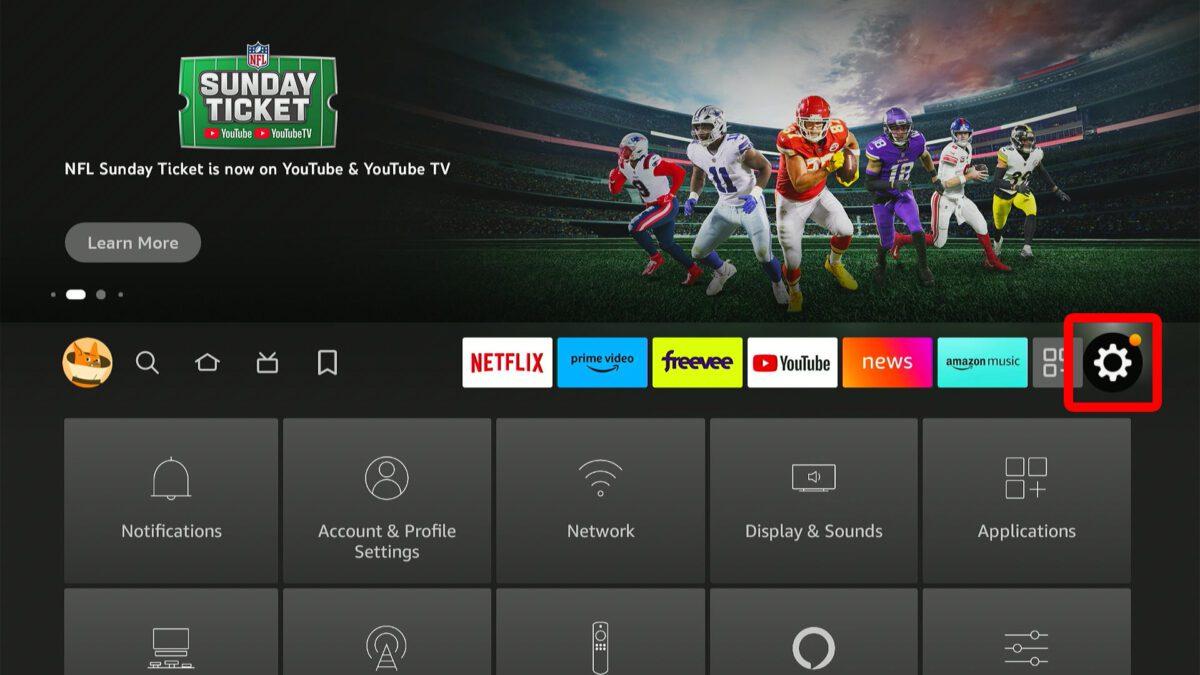
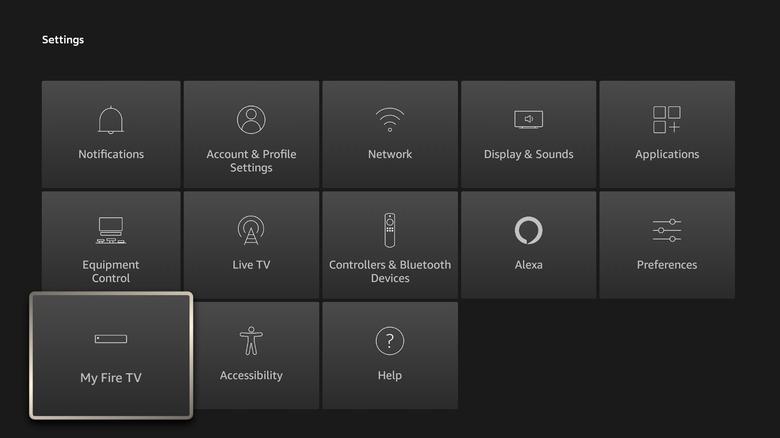
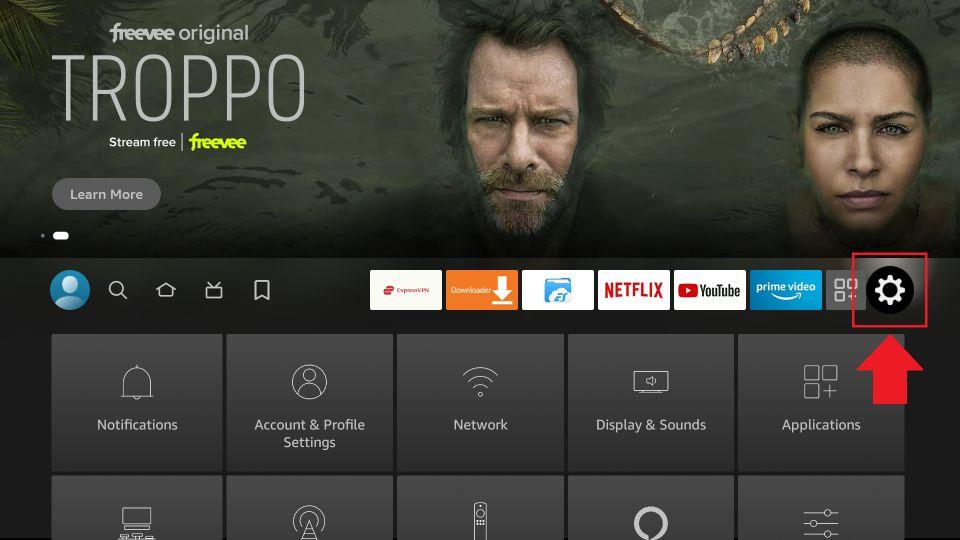
1 Go to Settings
- Press the Home button on your remote to begin the setup process.
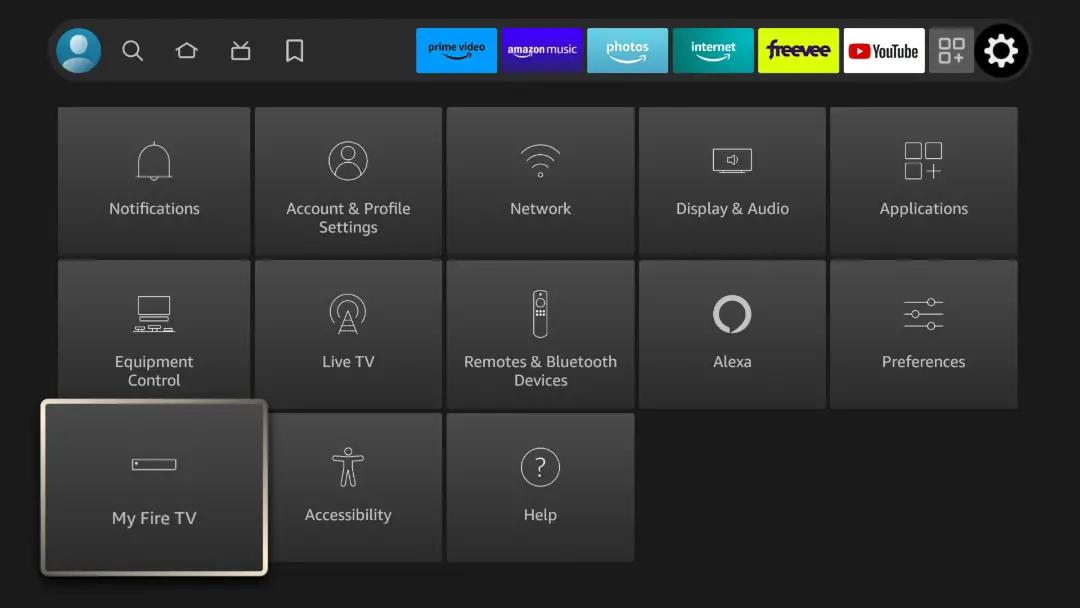
- Navigate to the ⚙️ Settings icon in the far right of the menu.
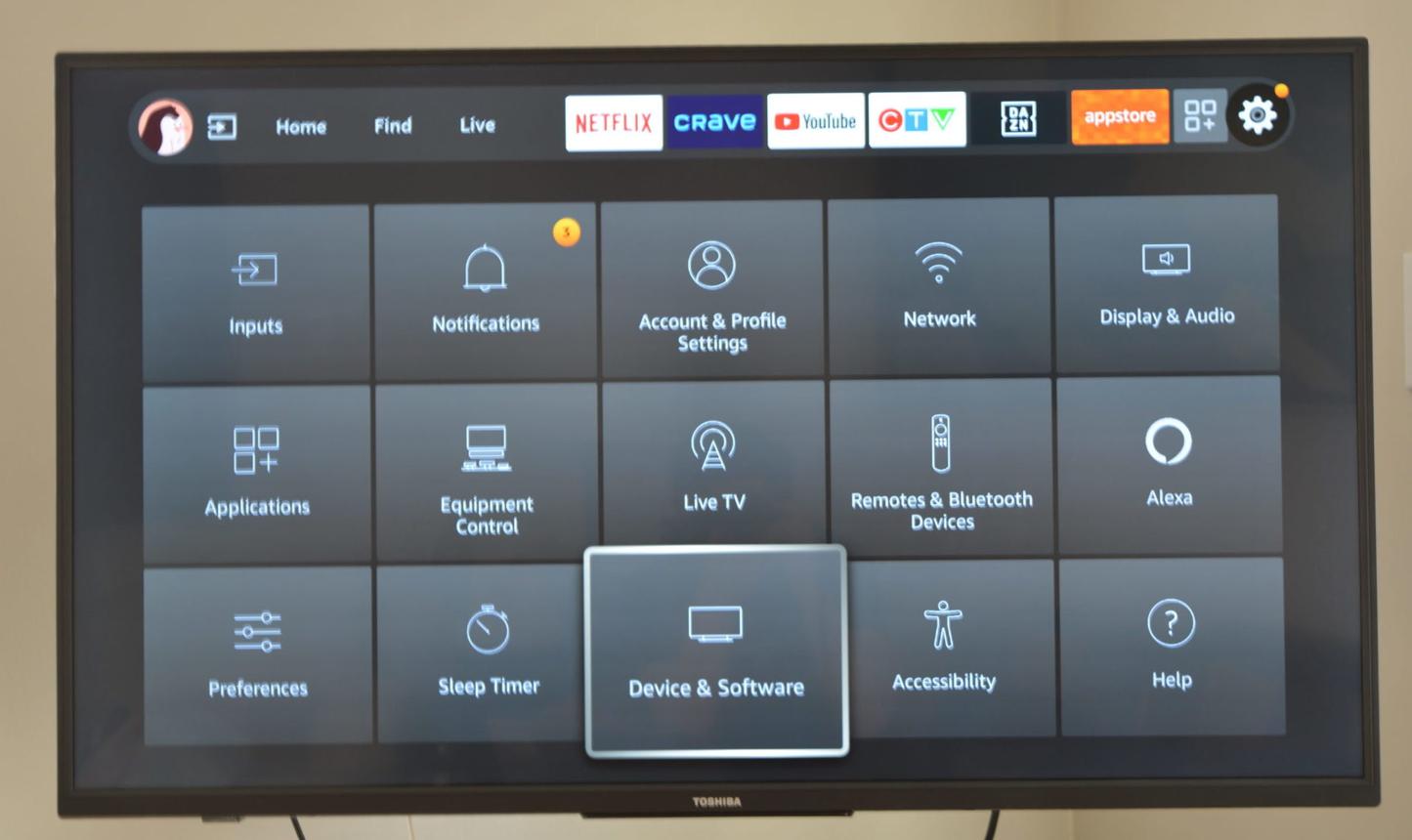
- Select the My Fire TV tile (On some devices, this may be called Device & Software).
2 Unlock Developer Options
To reveal hidden settings:
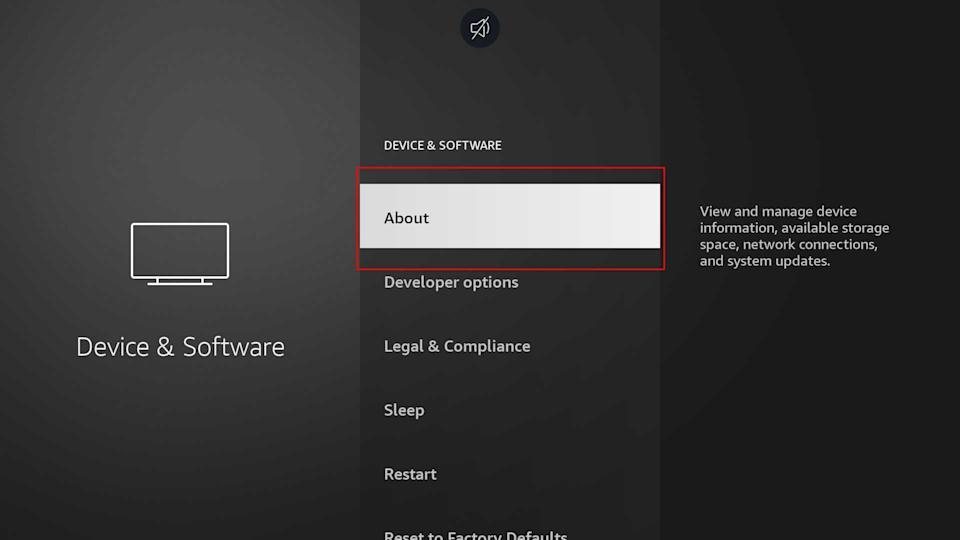
- Click on the About section inside My Fire TV.
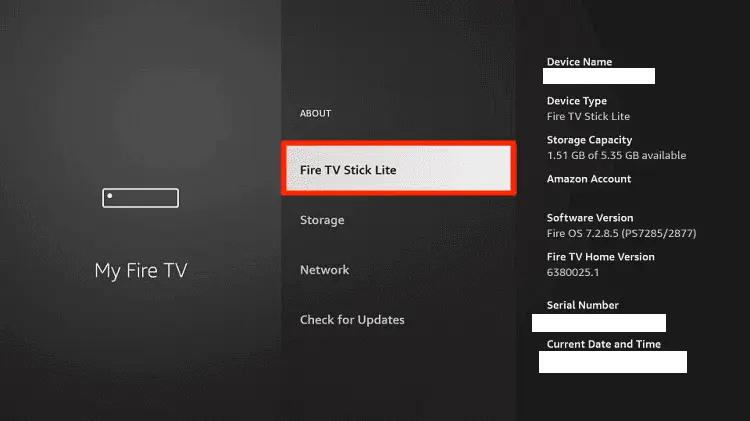
- Hover over the text that says Fire TV Stick Lite.
- Press the OK (Center) button on your remote 7 times rapidly.
- A prompt will appear stating “No need, you are already a developer.”
3 Search & Install
- Press the Home button to return to the main dashboard.
- Go to the Find > Search tab (magnifying glass icon).
- Type Downloader using the on-screen keyboard.
- Select the orange Downloader by AFTVnews app and click Get / Download.


4 Grant App Permissions
Before opening the app, follow this path:
- Find the Downloader app in the list and click it to turn the permission ON.
- The selected app can request installation of compatible APKs; device security checks still apply.


5 Open & Download Files
Now launch the application:
- Review any storage permission request and allow only the access needed for the download.
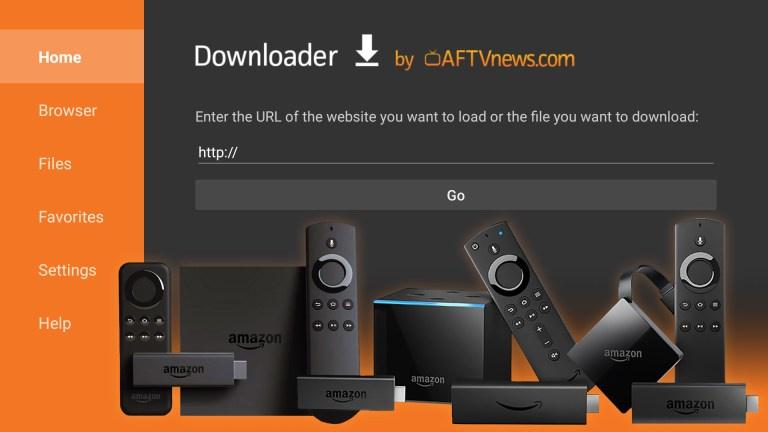
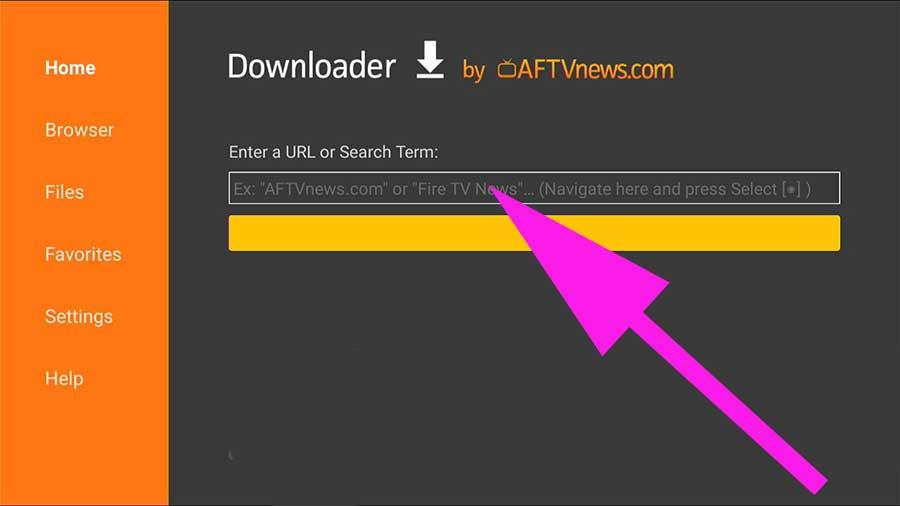
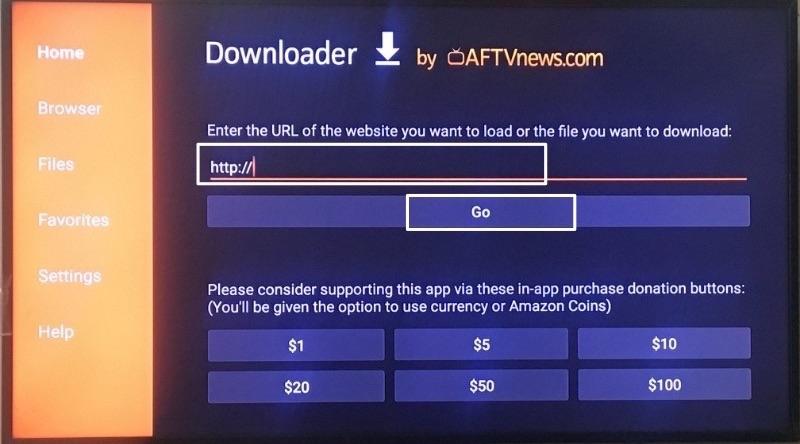
- Select the URL box and enter a valid Downloader code or a trusted direct URL. Press Go.
- Wait for the file to download. When the system prompt appears, click Install.

6 Setup Complete & Cleanup
Setup is complete ✅
Because the Fire TV Stick Lite has limited storage, you may delete the downloaded installation file once installation succeeds to remove the raw installation package and free up space.
Why Optimize Your Fire TV Stick Lite?
The Fire OS platform provides a fantastic streaming ecosystem. By following this Fire TV Stick Lite Downloader Setup, you bypass standard app store limitations, allowing you to install premium streaming tools directly. Whether you are exploring our Media Players directory or testing lightweight utility apps, properly configuring your device ensures you get the absolute best performance out of its 1GB RAM.