Firestick Downloader:
Streaming Device & App Setup Guides
Firestick Downloader offers practical Fire TV, Android TV and Google TV setup guides, explains numeric Downloader shortcuts and helps you troubleshoot app installation. Always check the publisher and destination before downloading an APK; a shortcode is not proof of file safety.
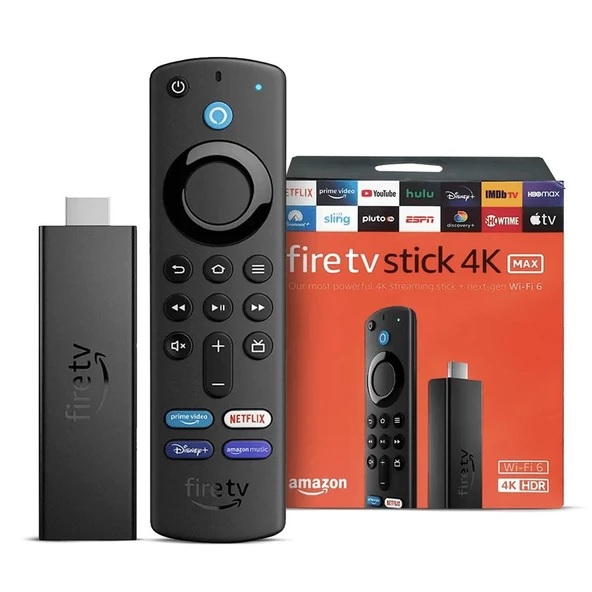
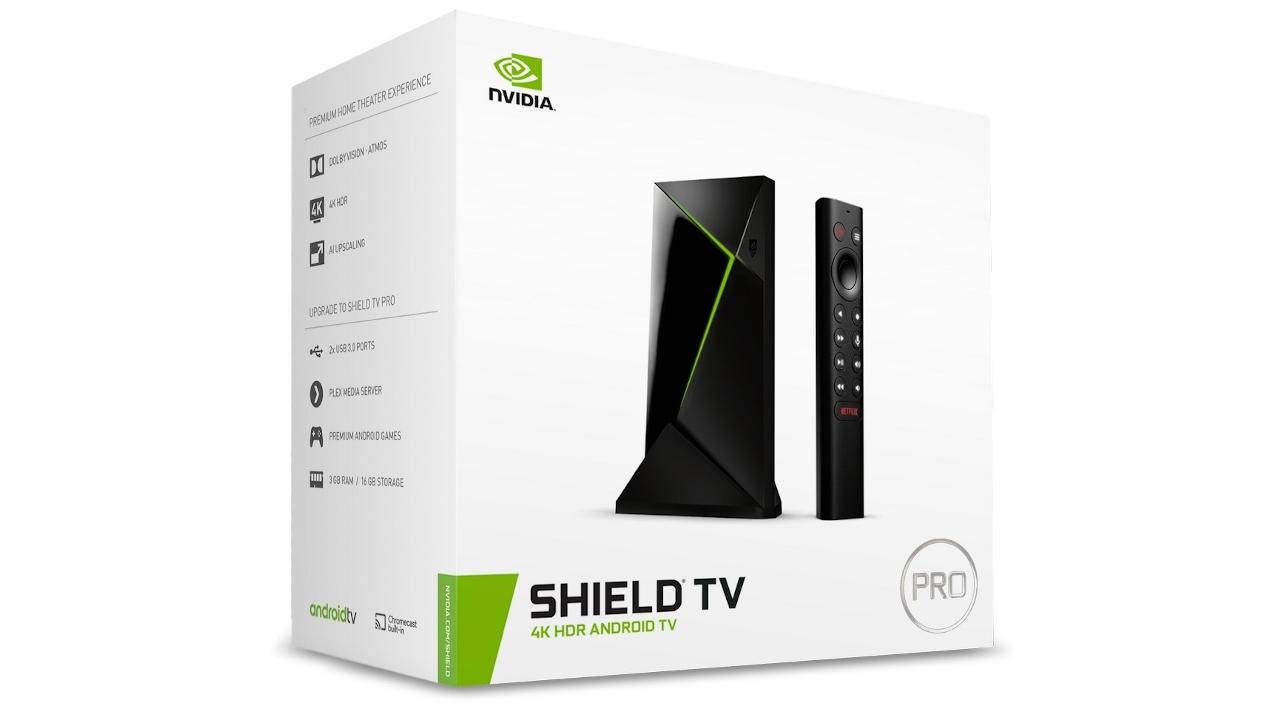
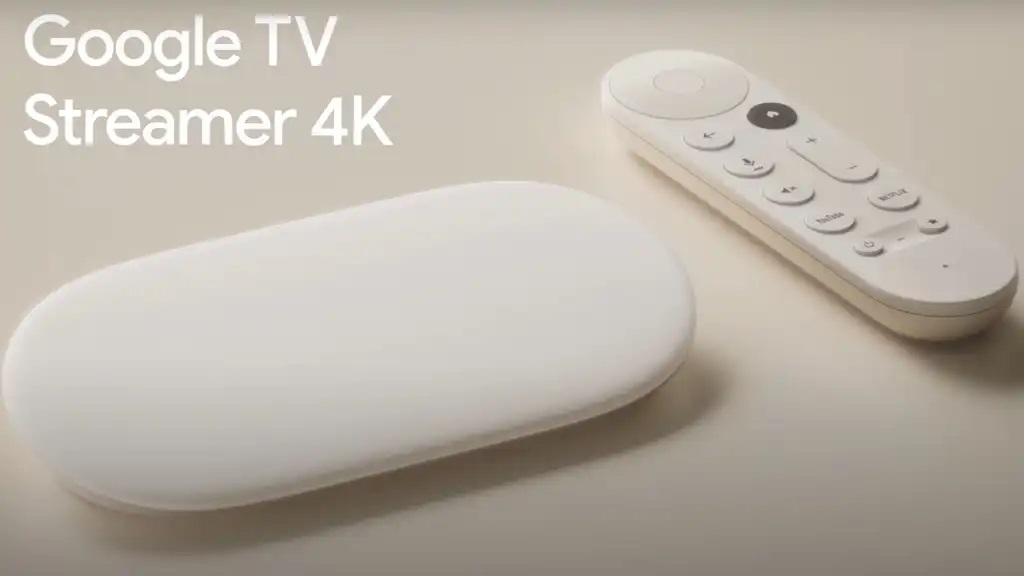
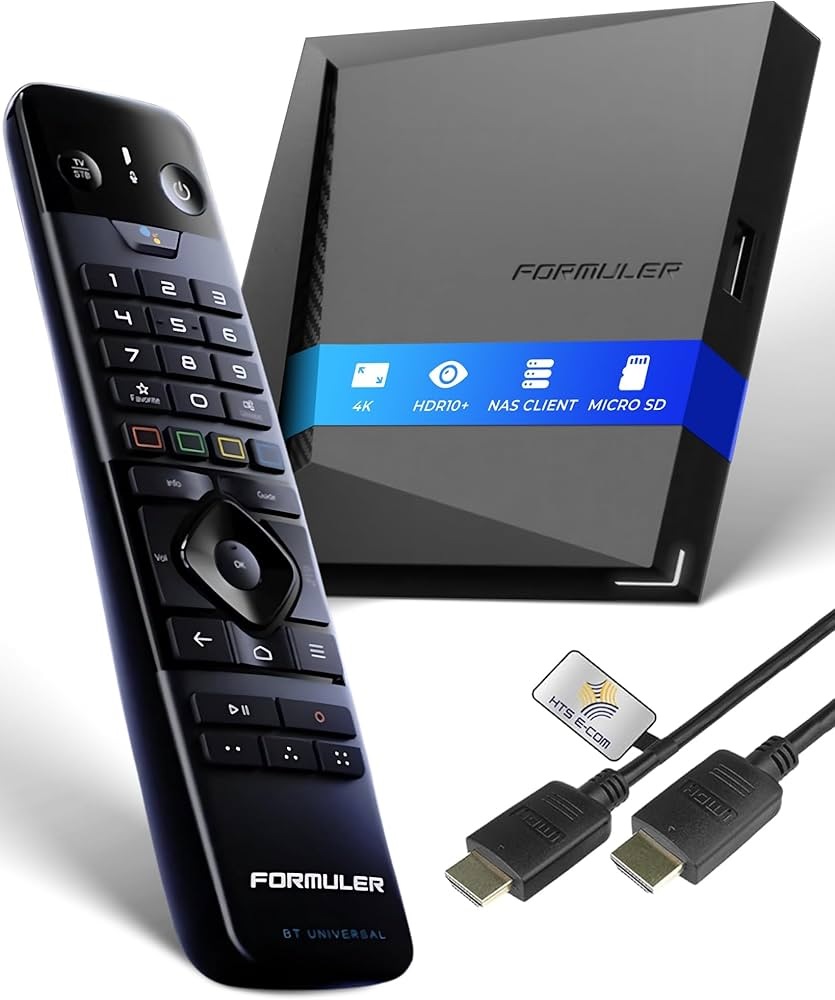
Firestick AI Assistant
Get instant help setting up your Fire TV Devices, Android Boxes, and live streaming software. Stop searching through endless forum threads for the right installation guide. Ask questions in natural language and explore troubleshooting steps; results should be checked against your device and the app publisher.
- Find published Downloader code references and check their destinations
- Step-by-step device & media player configurations
- Fix “Unknown Sources”, parsing, and login errors
Firestick Downloader: How to Install Apps on Your Device
Get The Downloader App
Download the official “Downloader” app directly from the Appstore to your streaming device.
Find Your App Code
Browse the numeric code references below. Downloader shortcuts can have different lengths, including seven digits; verify the destination and publisher before proceeding.
Type & Install
Enter the numeric code in Downloader to open its destination. Inspect the URL and file source before choosing to download or install anything; a code does not prove that an APK is safe.
Top Media Players & Installation Codes

Sky Glass Player
Explore Sky Glass Player interface and setup information. Feature availability and performance vary with the version and streaming device.
View Setup Details →
OrbixPlay
Explore OrbixPlay features and setup information. Compatibility and playback performance depend on the device, software version and media source.
View Setup Details →
Smarters Pro
A media player with playlist and playback options. Review compatibility with your device and the publisher’s current installation instructions.
View Setup Details →
Max Player
Learn about Max Player’s setup and interface. Actual responsiveness depends on device hardware, app version and content source.
View Setup Details →
TiviMate Premium
Explore TiviMate features and configuration options, which can vary by app version and subscription. EPG quality depends on the supplied source.
View Setup Details →Utility & Tools
Downloader App Guide
Find device-specific steps for installing Downloader and managing installation permissions when needed. Menus vary across Fire TV, Android TV and Google TV versions.
Read The Guide →
VPN Configuration
Learn what a VPN can and cannot protect, and how to configure one on compatible devices. A VPN does not guarantee faster streaming or eliminate buffering.
View Setup Details →Code reference and safety notice
Listed numeric codes are references, not security certifications. For example, Smarters Pro is shown with the seven-digit code 2450814. We have not independently verified the current destination, developer signature or SHA-256 checksum for every code on this page. If an expected publisher or download source cannot be confirmed, do not install the file.
Firestick Downloader: What Are Numeric Downloader Codes?
A Downloader code is a numeric shortcut used within the Downloader app to open a destination web address. Code lengths can vary: this page includes six-digit examples and the seven-digit Smarters Pro code 2450814. The digits are a convenience for entering a link with a TV remote, not a verification or security credential.
Entering a code may open a web page or start a file download, depending on the destination. The code alone cannot establish that the address is current, the file is published by the developer, or an APK has not been modified. Prefer the device’s app store or a download link on the developer’s official website; review permissions and the final URL before installing.
Frequently Asked Questions
Why do I need a Downloader Code?
You do not need a code when an app is available in your device’s official store. A Downloader code is simply a numeric shortcut to a URL and can be six, seven or another number of digits. Codes do not establish a file’s authenticity.
Is sideloading apps safe?
Sideloading can carry risks, including altered or malicious APKs. A code is not proof of safety, publisher identity or file integrity. Prefer official app stores and developer-owned download pages. We do not claim independent verification of every listed code or APK.
How do I fix the “Unknown Sources” error on my device?
On supported devices, permission to install apps from outside the store may need to be enabled for the specific installer. Menu paths differ by device and software version; consult the relevant device setup guide and grant the permission only when needed. Turn it off afterward if appropriate.