Complete Guide:
Chromecast with Google TV Downloader
Welcome to the ultimate setup guide. If you want to unlock the full potential of your device, this Chromecast with Google TV Downloader tutorial is all you need. Learn how to navigate the Google TV interface, unlock developer options, enable unknown sources, and securely sideload third-party apps for an enhanced viewing experience.
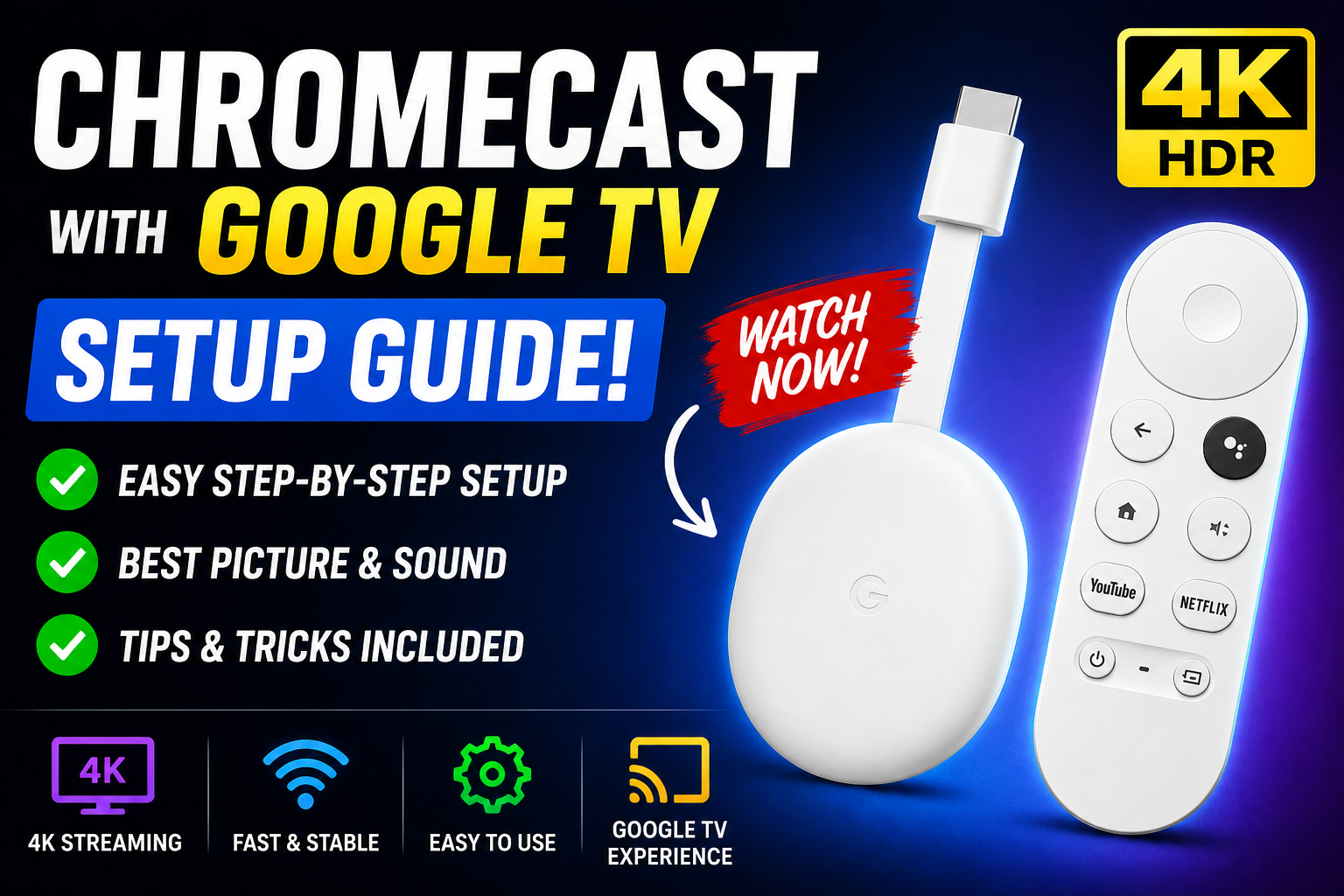
Chromecast with Google TV Downloader Installation Steps
1 Go to Settings
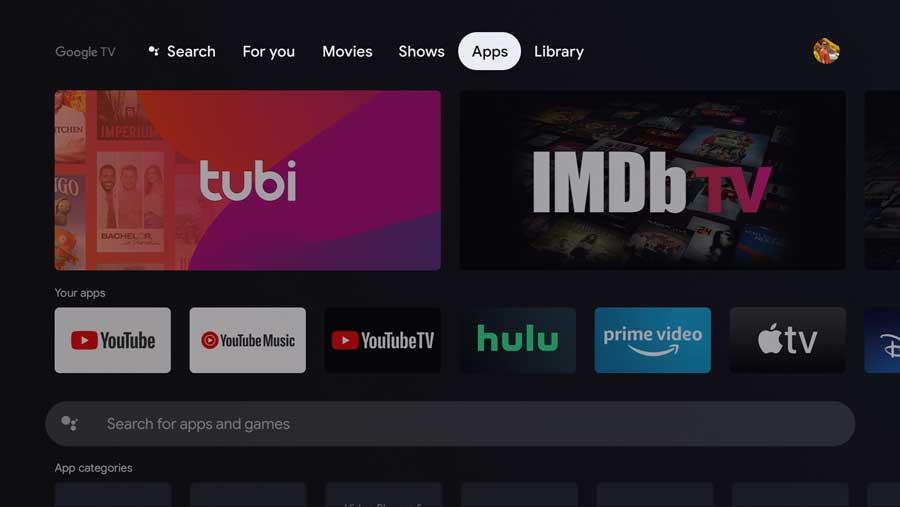
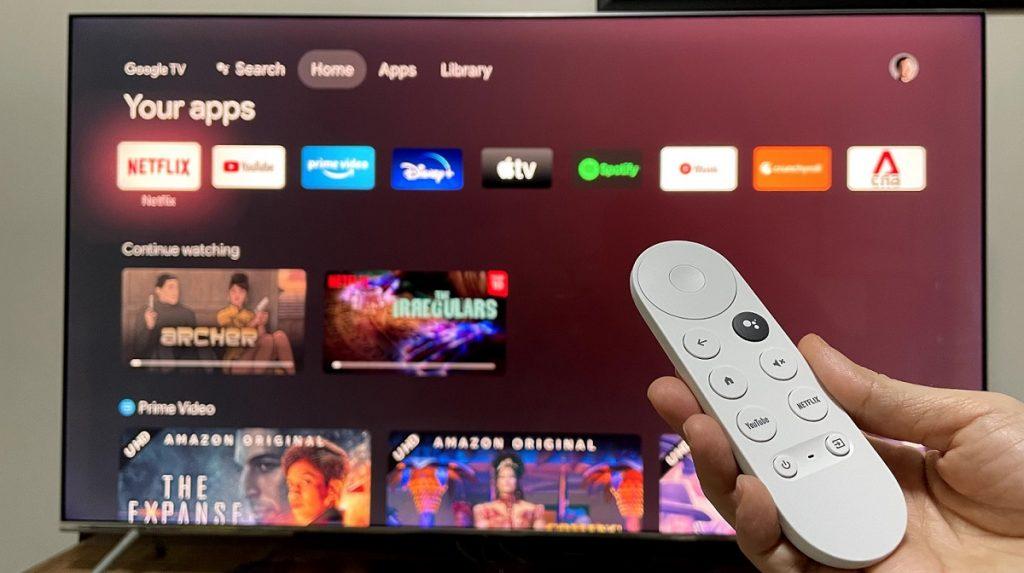
- Start from the main home screen of your Chromecast with Google TV device.
- Navigate to your profile icon in the top right corner and open the ⚙️ Settings menu.
- Scroll down through the options and select the System section.
2 Unlock Developer Options
In order:
- Enter the About section inside System settings.
- Navigate down to the Android TV OS Build.
- Press the OK button on your remote 7 times rapidly until you see the “You are now a developer” notification.
3 Enable Security Settings
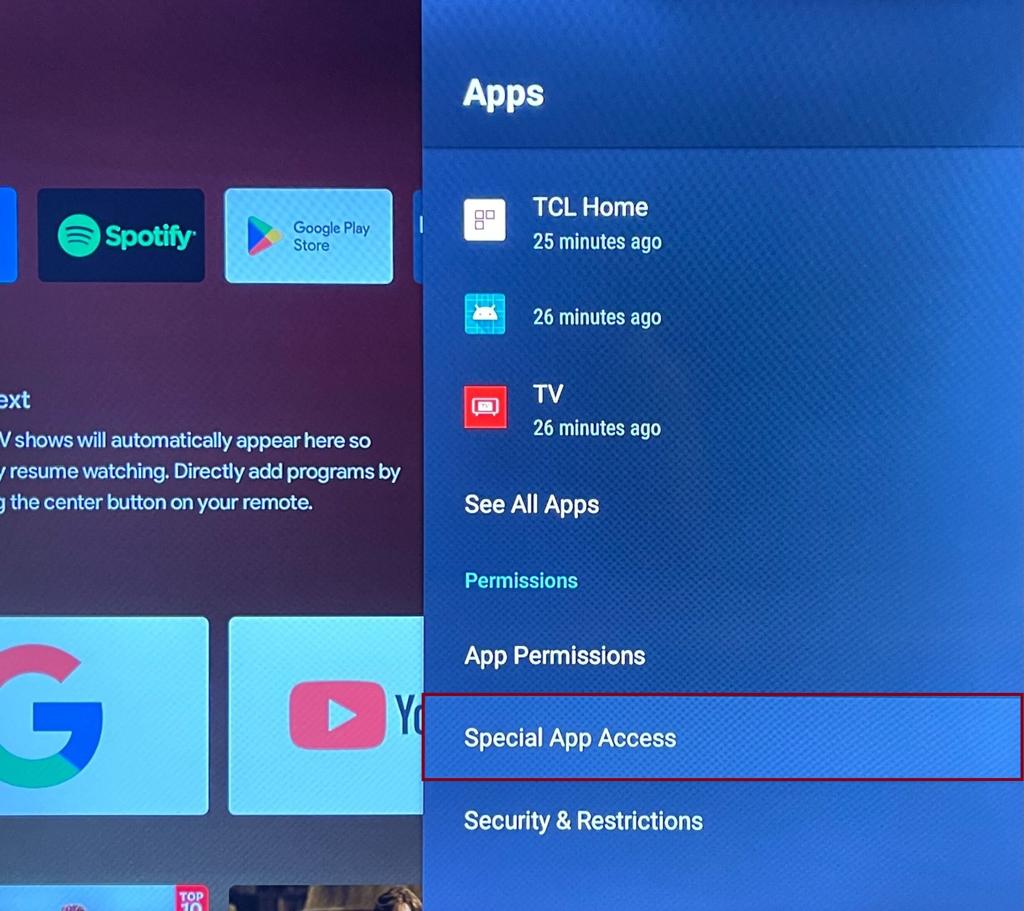
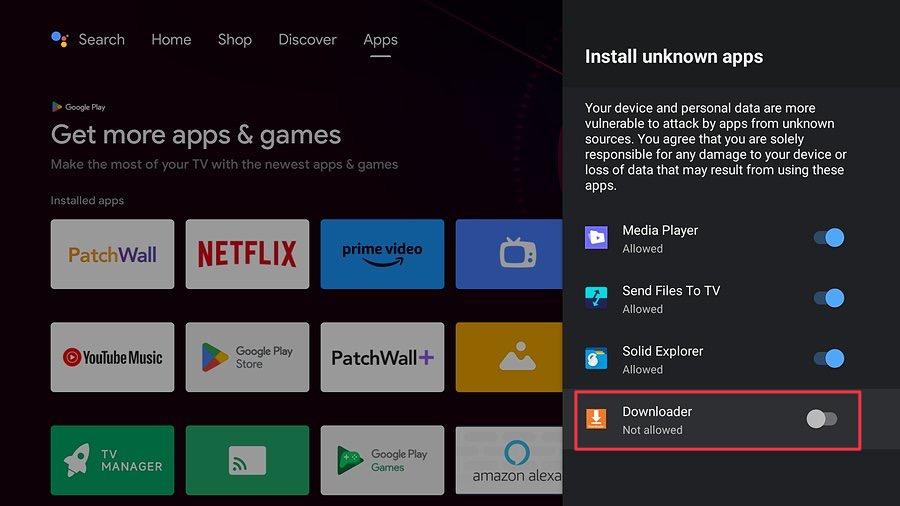
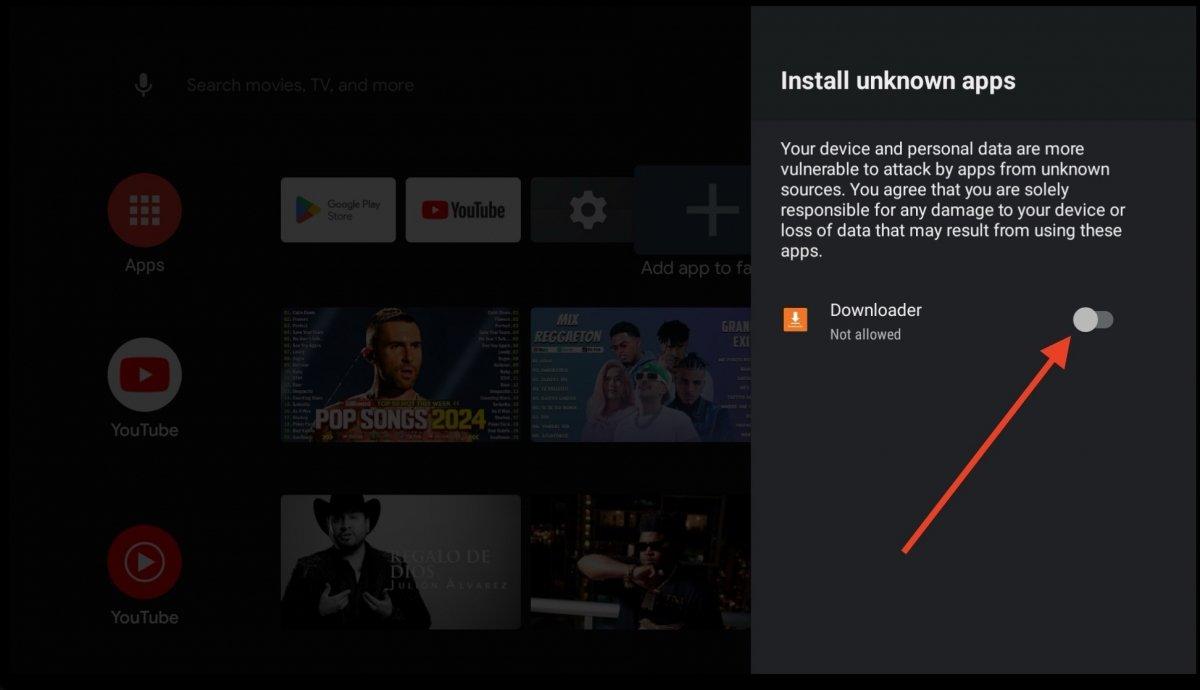
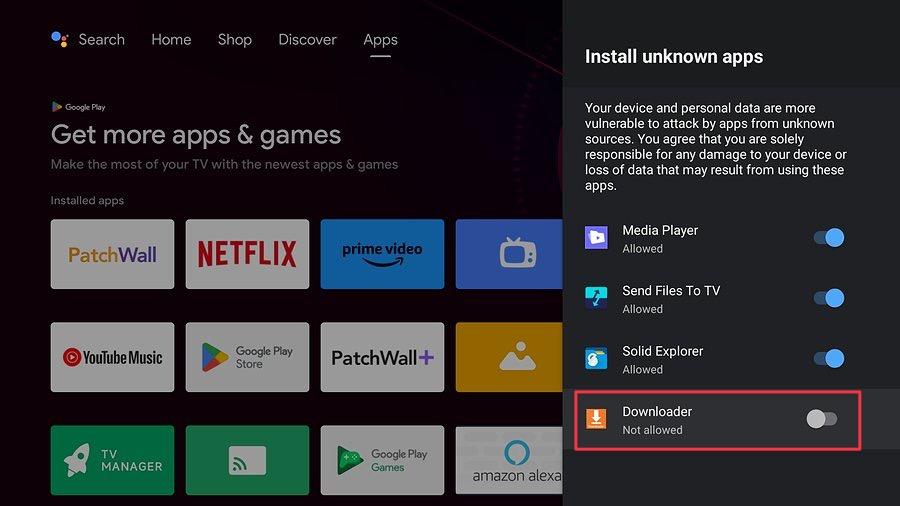
- Go into your newly unlocked Developer Options and turn on Unknown Sources (Install unknown apps).
- Leave ADB Debugging disabled; it is not required for Downloader installation.
- Press the Home button to return to the main screen.
4 Install Chromecast with Google TV Downloader
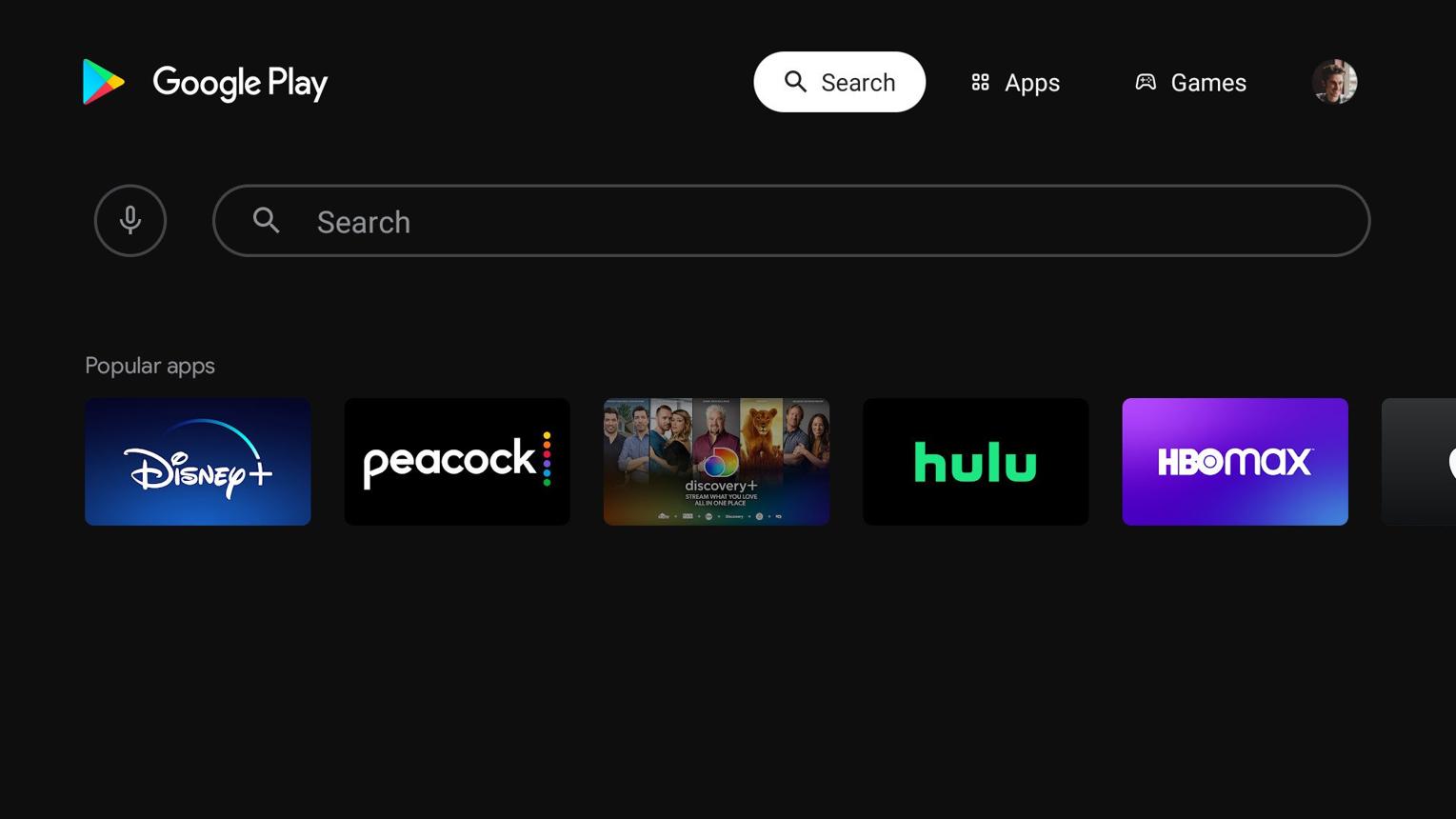
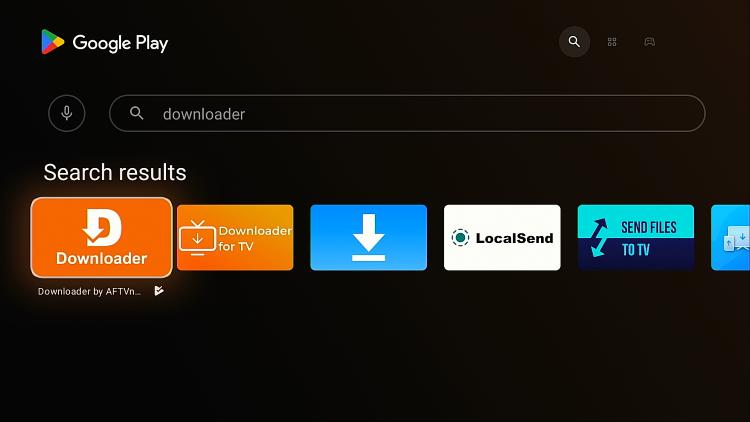
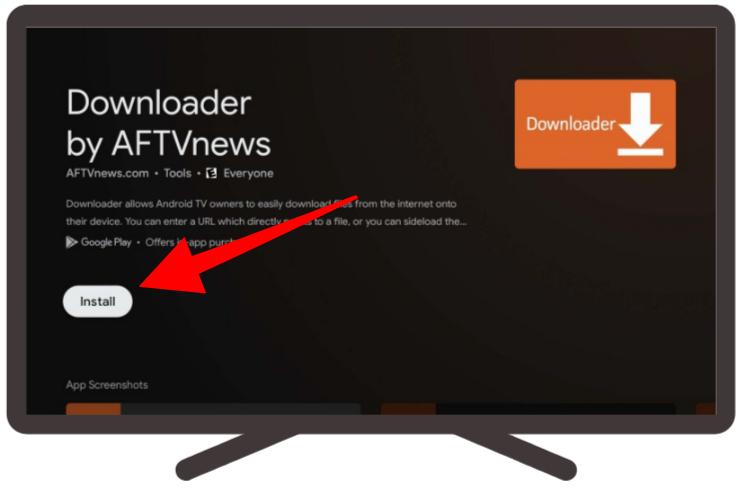
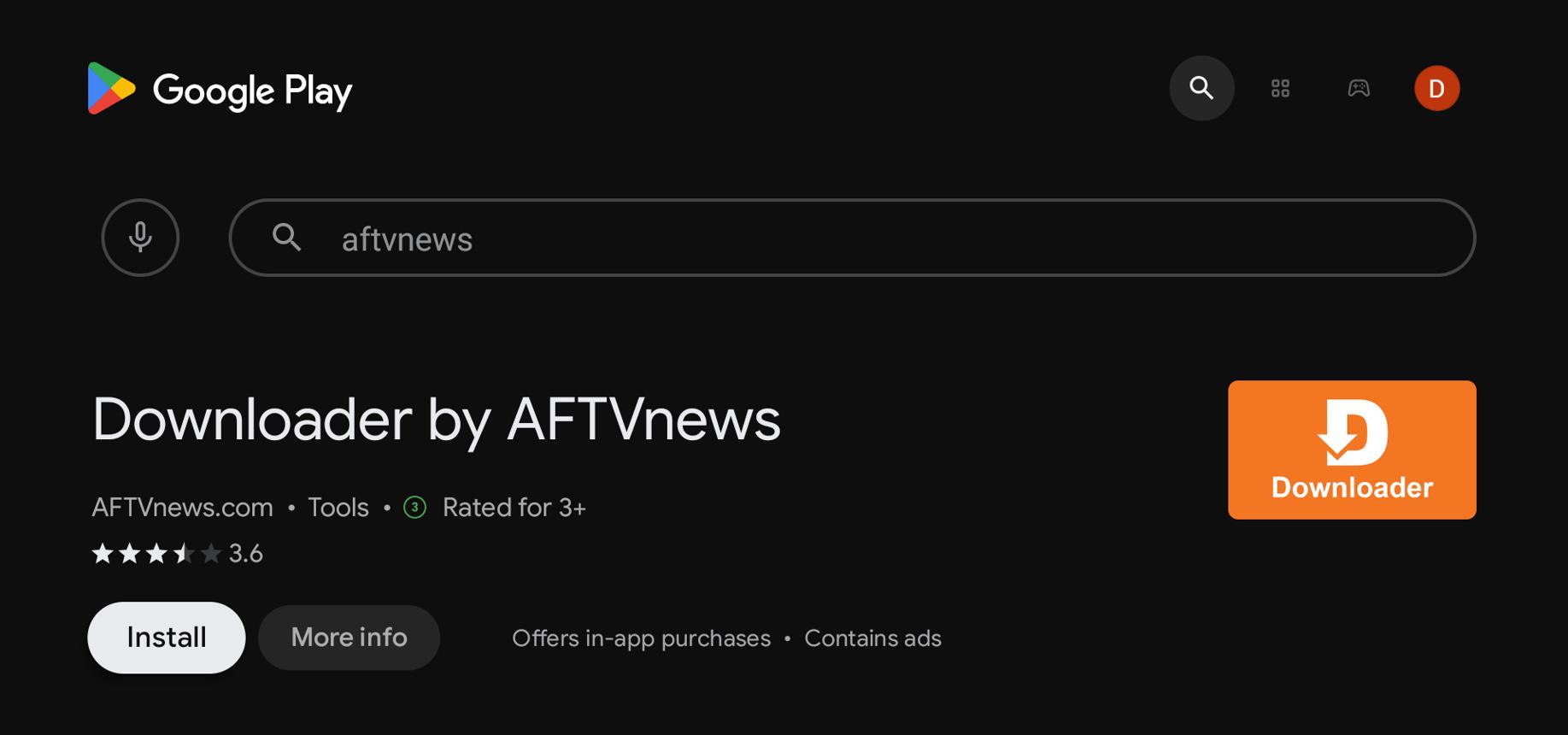
- Navigate to the top menu and open the Search tab.
- Type Downloader using the on-screen keyboard.
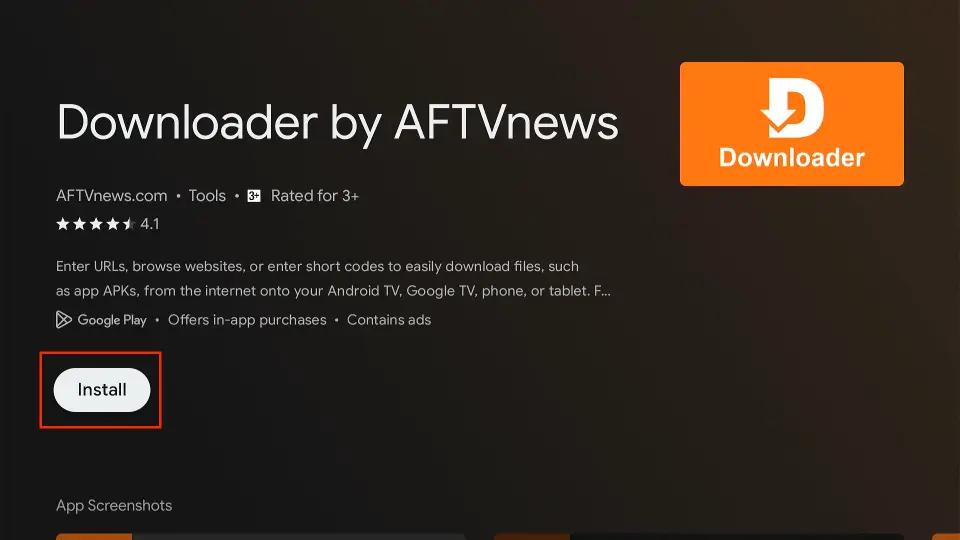
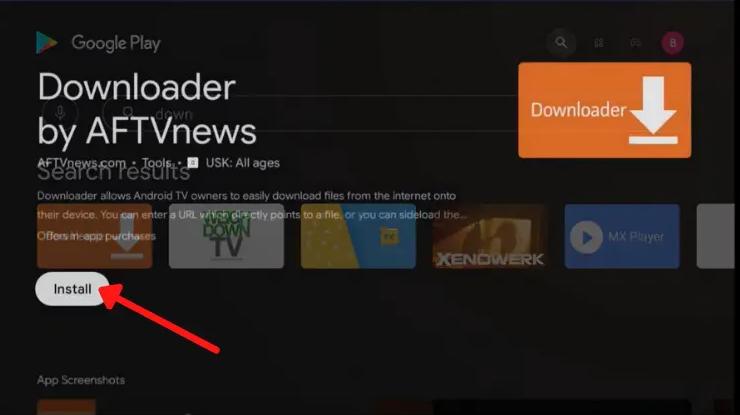
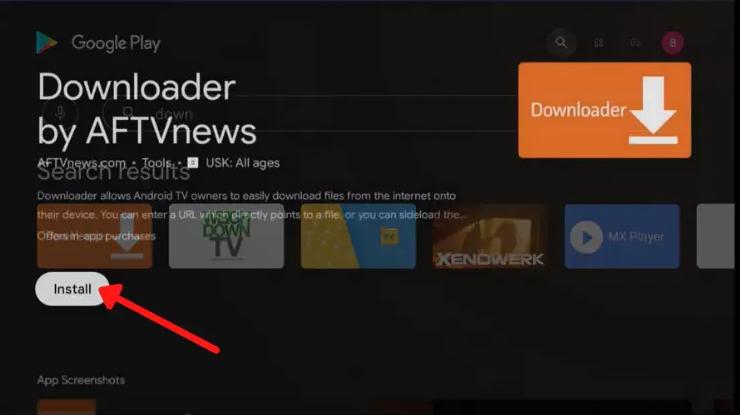
- Select the official app by AFTVnews and click Install.
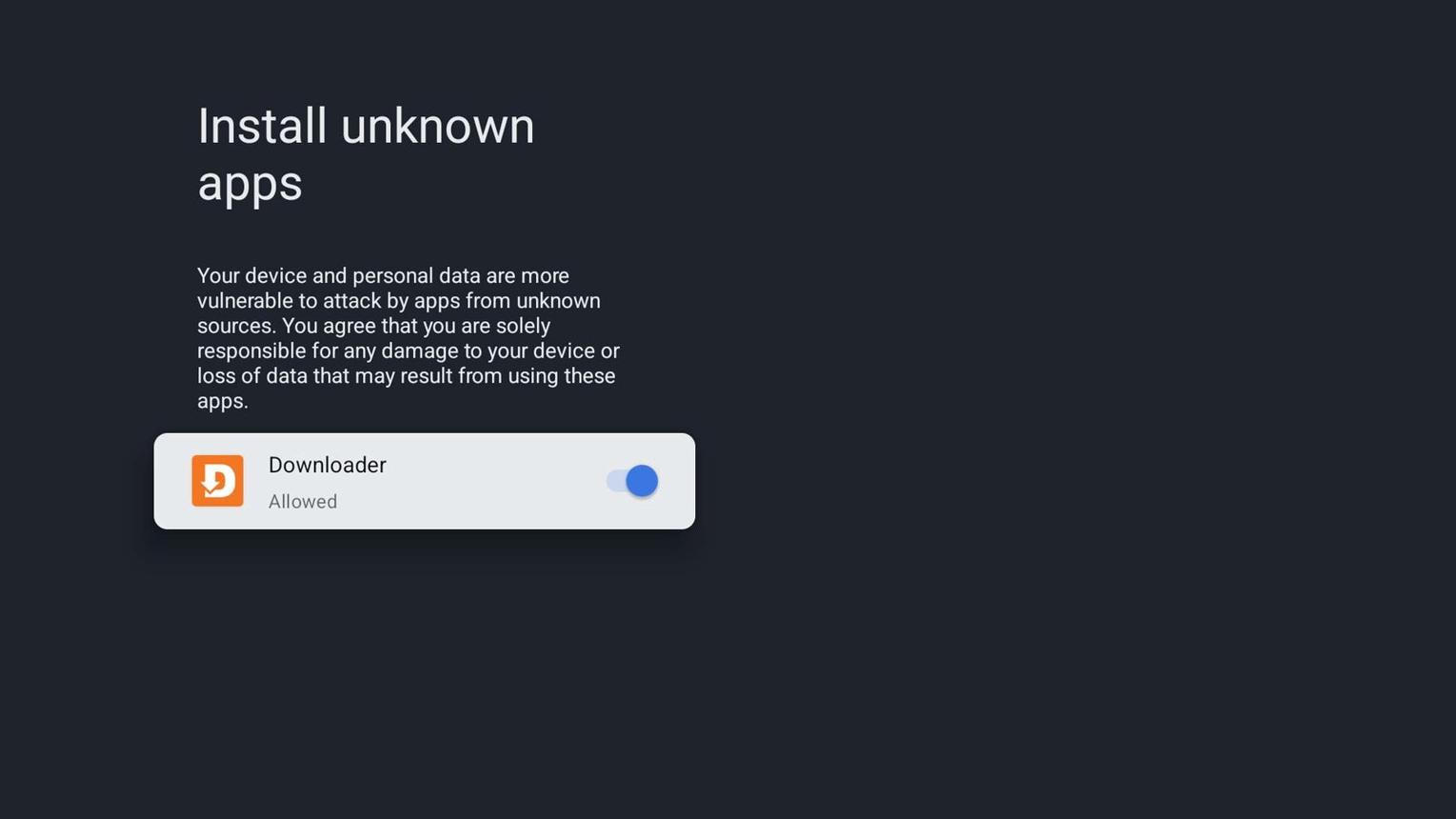
5 Open & Grant Permissions
- Click to Open the application for the first time.
- Review file and storage permissions on your Chromecast and grant access only when needed.
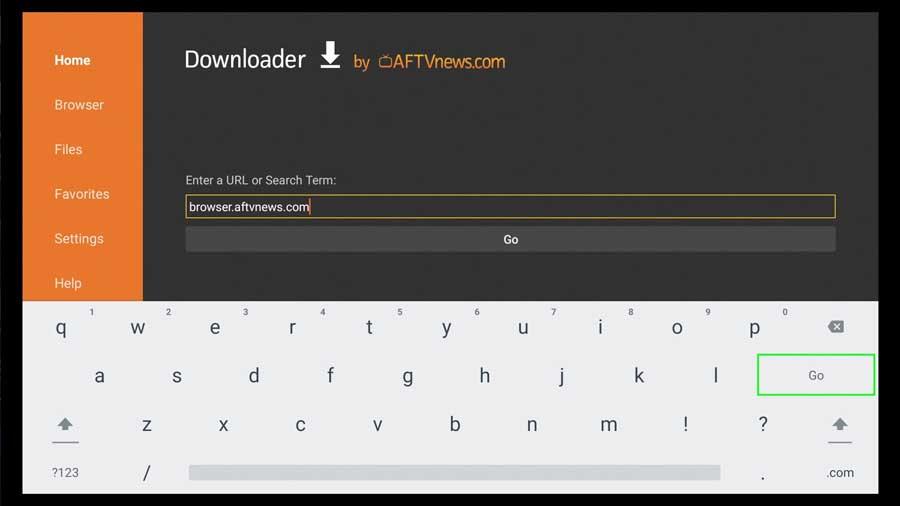
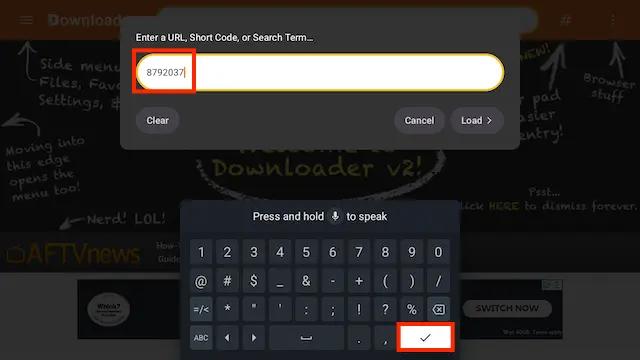
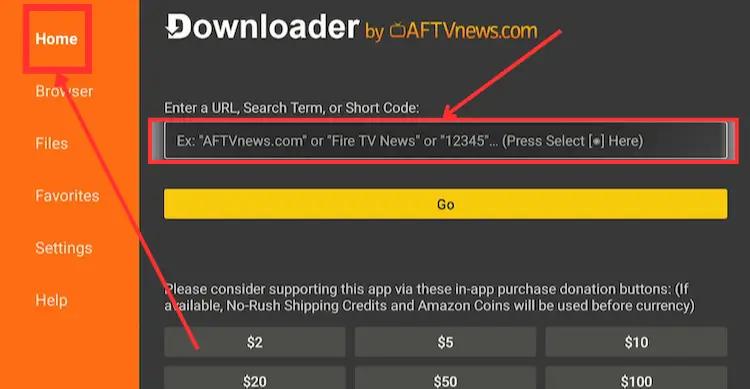
- Click the URL text box and enter your desired trusted APK URL or valid Downloader code.
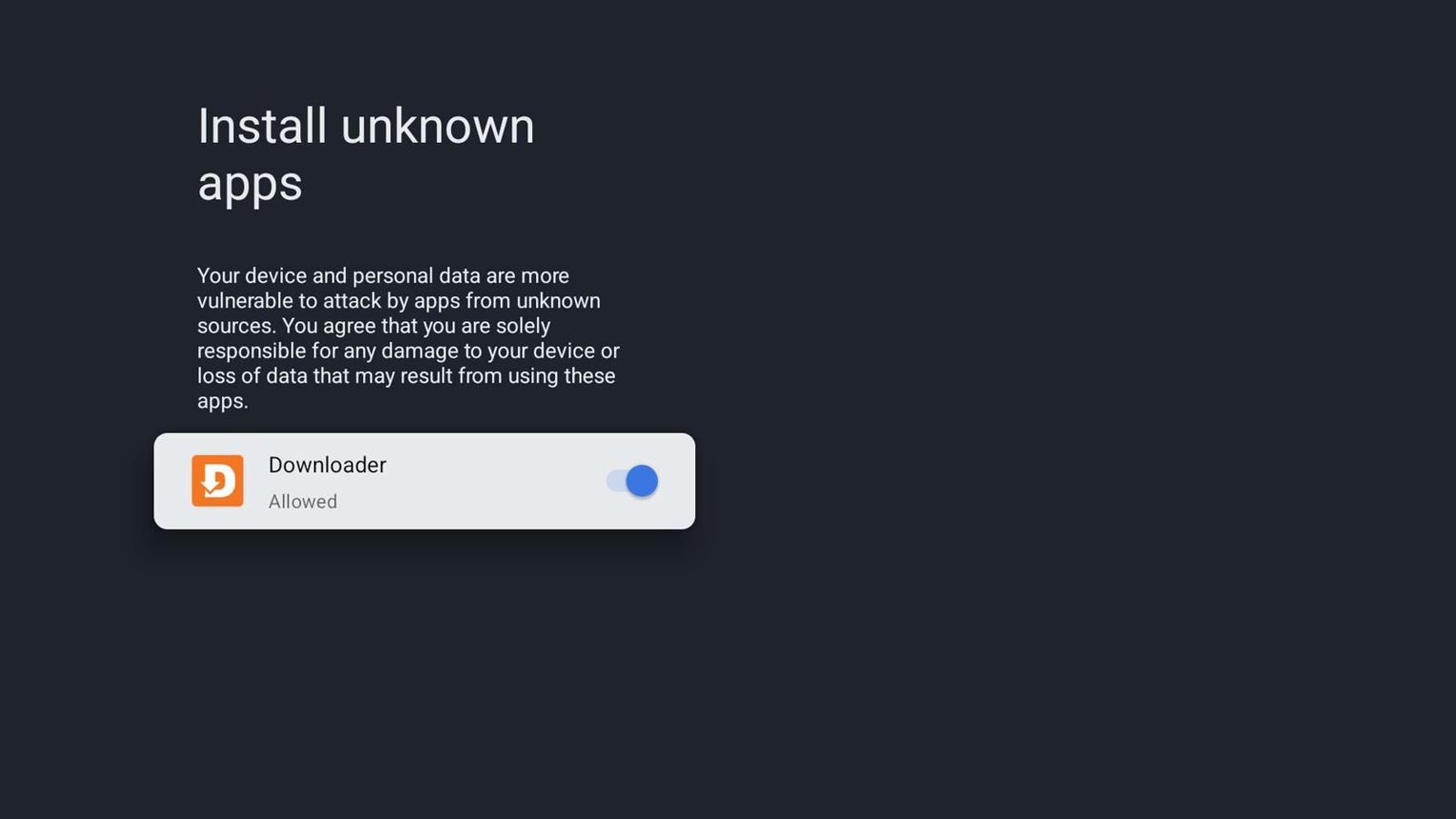
6 Download & Complete Setup
To finish the setup:
- Wait patiently while the application is downloading the file.
- When the system prompt appears, navigate down and click Install.
- Once installed, your new app is successfully loaded onto your Chromecast and ready to use!
Why Optimize Your Chromecast with Google TV?
The Chromecast provides a sleek and highly capable Google TV interface. By using the Chromecast with Google TV Downloader setup, you bypass standard app store limitations, allowing you to install premium streaming tools directly. Whether you’re exploring our Media Players directory or testing lightweight utility apps, this hardware delivers excellent streaming performance in a compact form factor.